BC3997 Project
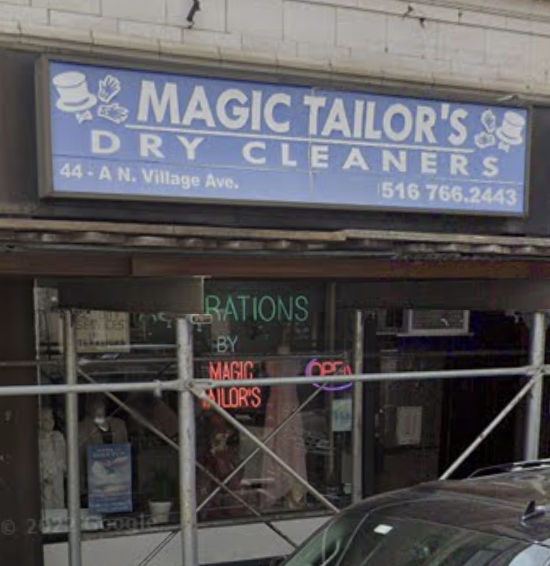
The process of building a website for Magic Tailor's a small tailor shop that handles adjustments and ad hoc clothing requests.
Scheduling API
Summary
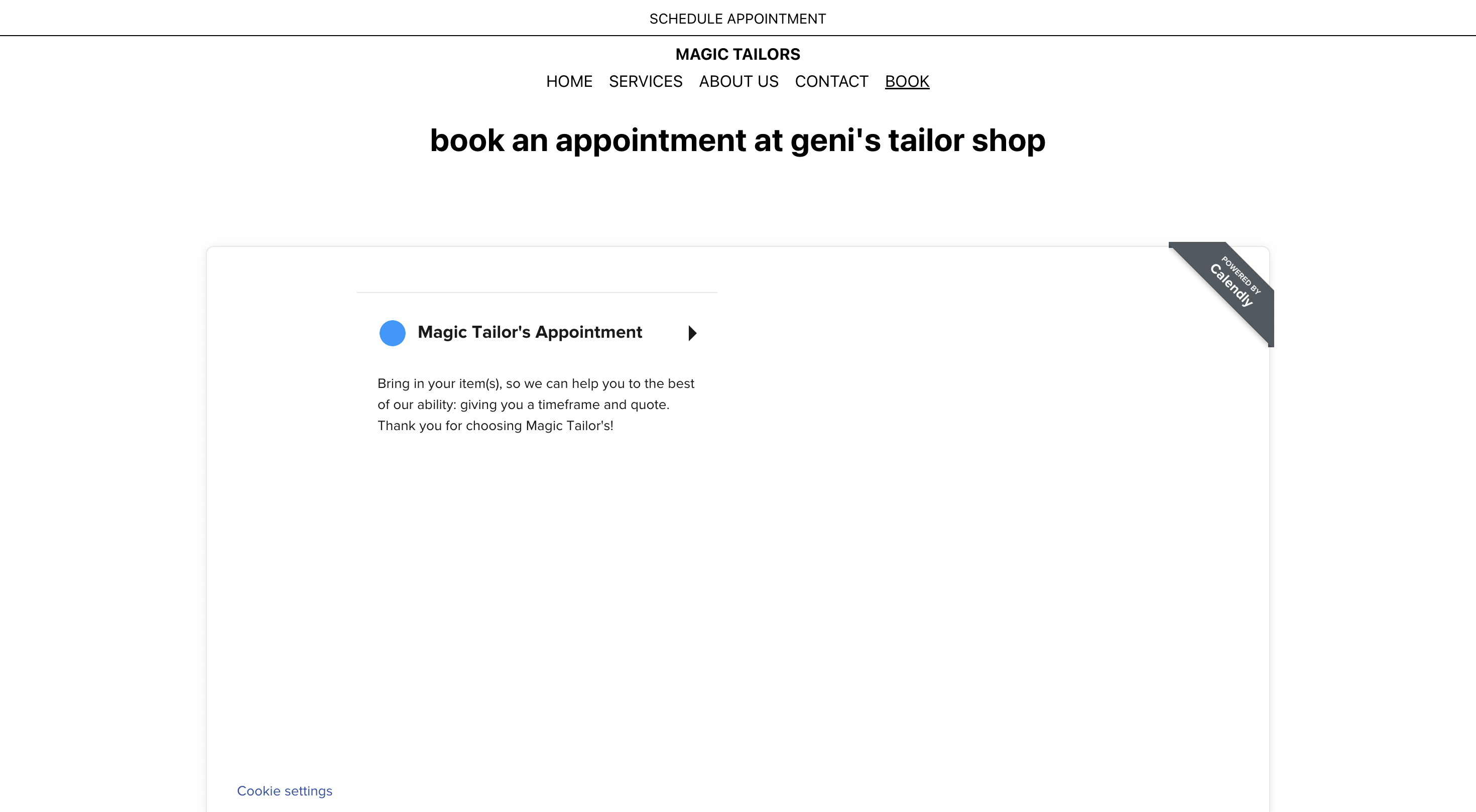
After trying to search around for a free scheduling API, I came across Calendly, a straightforward calendar app to create events with multiple people. I am able to use this tool to create a general “appointment” that will automatically send texts to users and the owner of the event (as well as emails), all directly from the site. The integration can be done in multiple ways, but fortunately for me, the Calendly team came up with a React component which allows me to seamlessly add Calendly through installing a couple packages with npm.
Background Research
Why Calendly (in more details)?
- First free site that allowed me to create an event and share without a paid subscription.
- React component offered
- Open API if I wanted to try and create my own Calendly-integrated widget directly on the site.
- That’s it AHA.
What are UTM Codes?
https://www.searchenginejournal.com/utm-codes/370088/
Embedding Calendly
After creating a Calendly account and the mock event for the website, I then looked at how to embed the widget into my own site (without the craziness of an API and creating my own calendar app from scratch – just to get this week’s assignment done).
Pretty much followed the articles below:
New Stretch Goal
Create a fullblown calendar-scheduling app with the Calendly API (yay)!