BC3997 Project
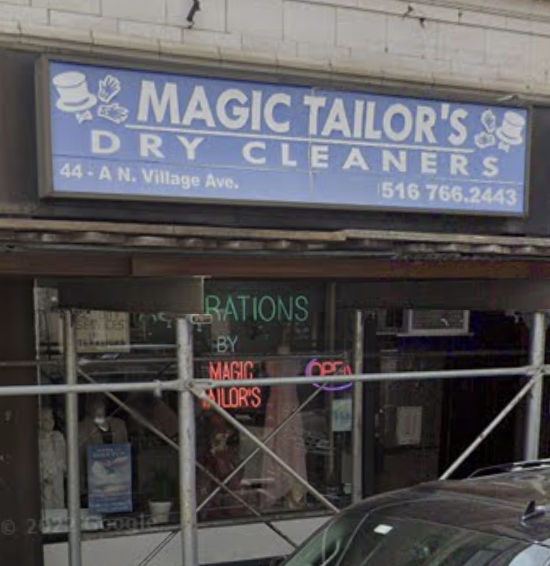
The process of building a website for Magic Tailor's a small tailor shop that handles adjustments and ad hoc clothing requests.
Google Places API
Summary
This week was all about connecting the Google Maps Places API to the app so I could start getting real-time reviews to the page. After hours of watching YouTube videos and reading documentation on Amplify on AWS aand how to ensure I keep my API key secure and off the public domain of the internet, I was able to make a private and secure API call (since in order to host the website through AWS, all my code needs to be published online).
Background Research
Why the Google Places API?
1.
API Call
I didn’t save all the resources that taught me and led me to my solution unfortunately. I created a very basic button to test if the API worked but didn’t yet implement the Review feature into the website. This will be done when I get access to the business account to get access into the business details such as the store’s Place ID (which I need to plug into the API call).
Code below:
import awsgi
from flask_cors import CORS
from flask import Flask, jsonify, request
from urllib.request import urlopen
import json
from token import api_key

app = Flask(__name__)
CORS(app)

# Constant variable with path prefix
BASE_ROUTE = "/hello"


@app.route(BASE_ROUTE)
def fetchMap():
    url = "https://maps.googleapis.com/maps/api/place/nearbysearch/json?location=-33.8670522,151.1957362&radius=500&types=restaurant&name=harbour&key={}".format(
        api_key)

    response = urlopen(url)
    data = response.read()
    dict = json.loads(data)

    print(dict)

    return dict


def handler(event, context):
    print('received event:')
    print(event)

    return awsgi.response(app, event, context)